Remove a Stump
Stumps Map
The Stumps Map displays all stumps and their sizes.
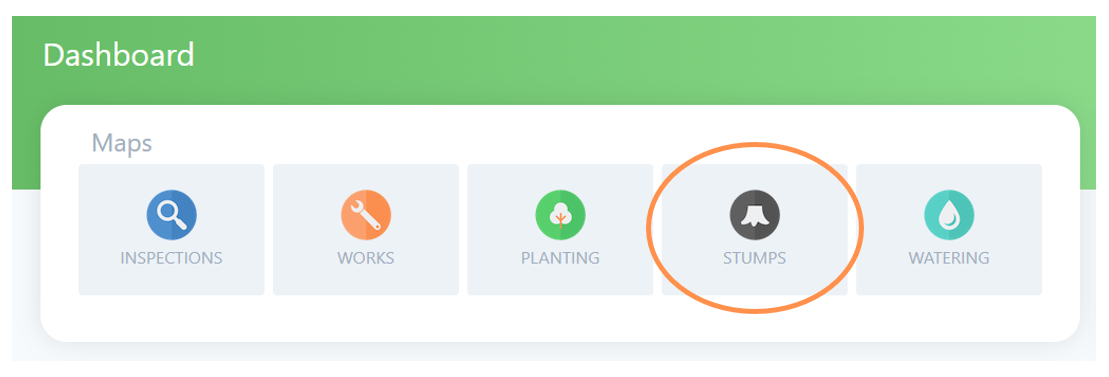
To view, edit or register the removal of a stump, first go the Stumps Map by selecting the tree stump icon on the Dashboard.
You can navigate by zoom & drag, using the search bar for an address, using the geolocation function (refer Maps user guide for more detail on these options).
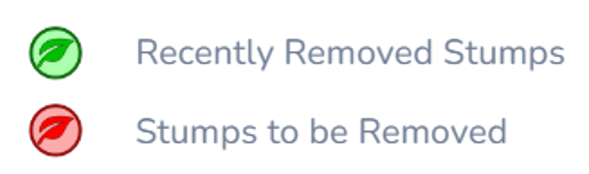
Any stump locations will be highlighted on the map to make them easy to spot. The colour coding matches a legend available on the left menu as below.
Remove a Stump
Final step in removing a stump is a few clicks on Forestree to get it registered.
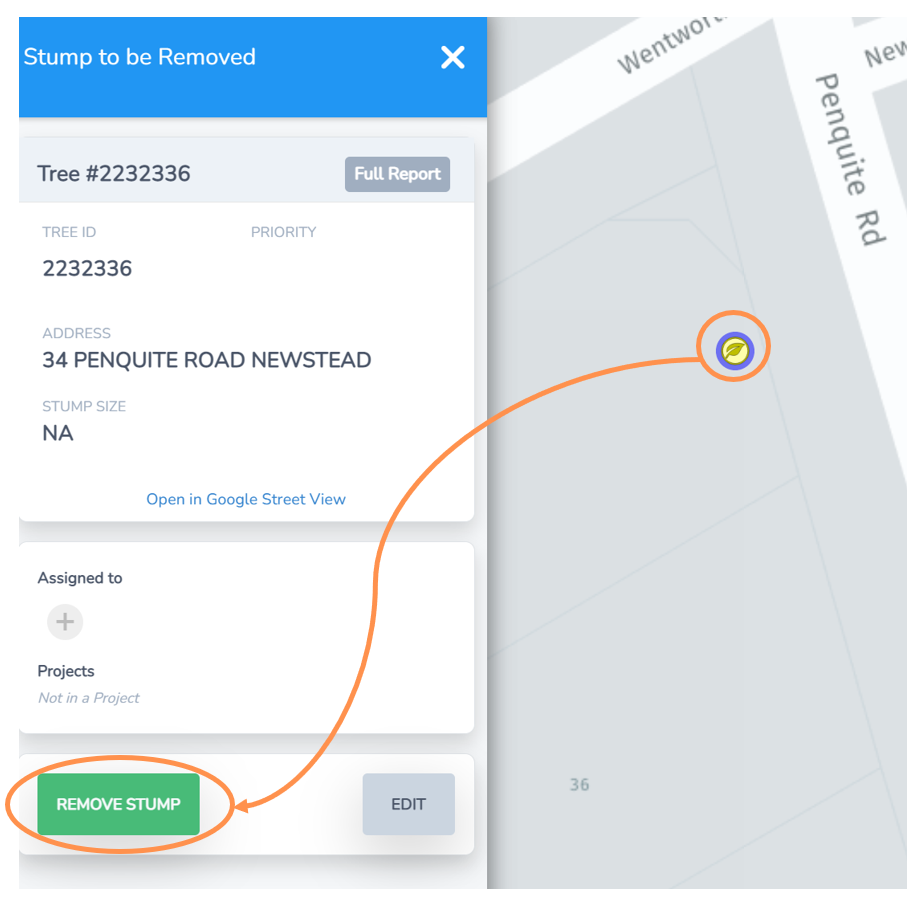
• Navigate to the stump on the Stumps Map view or via the Stumps List.
• Select the tree leaf icon maker and the menu to the left will expand.
• Select the Remove Stump button.
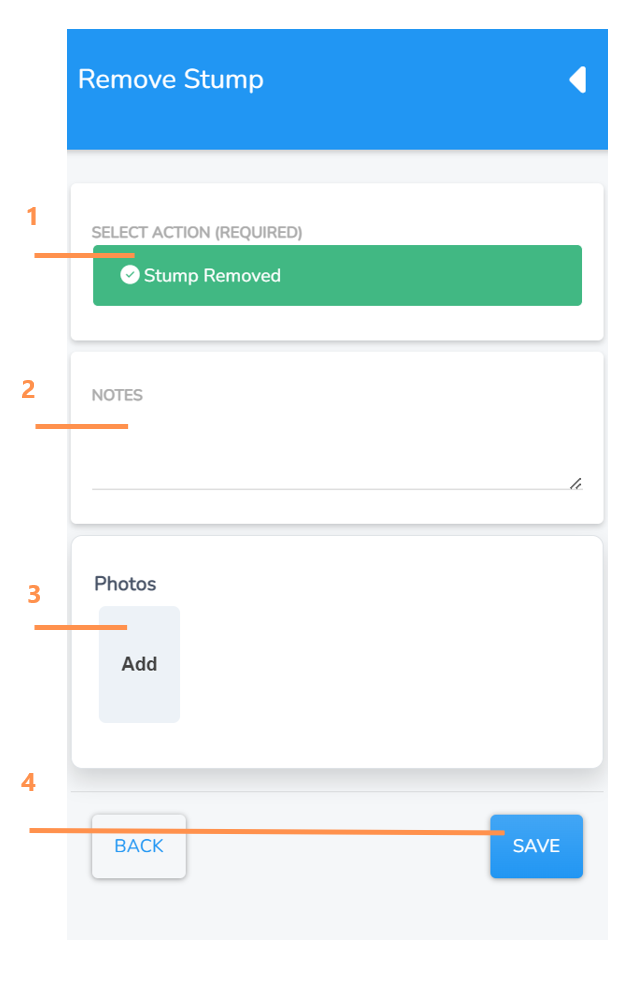
1. Tap the Stump Removed button which will then turn green when selected.
2. Enter any notes if applicable.
3. Click “Add” and you will be taken to a browse screen to select and import a photofrom your computer or device.
4. Select Save and this will save and close the screen. Your stump is now registered as removed and the task will be marked as completed from the Stump list. .