Edit Stump
Things change, or you may have more information you wish to add to a registered stump.
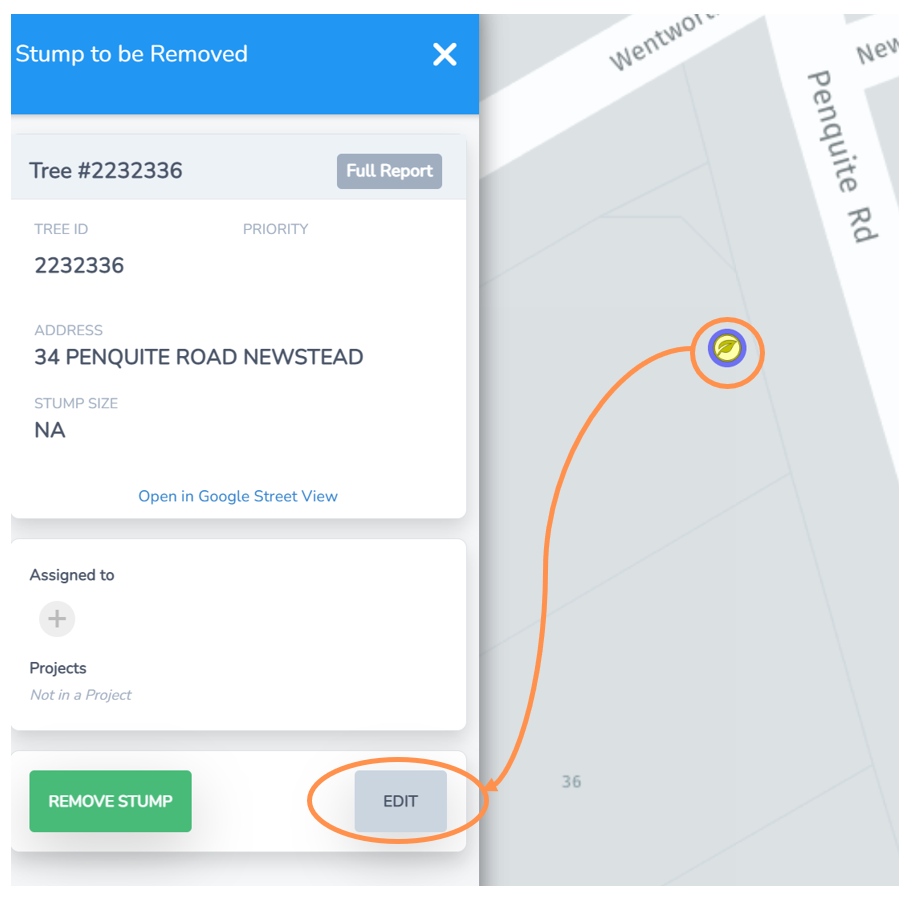
• Navigate to the stump on the Stumps Map view or via the Stumps List.
• Select the tree leaf icon maker and the menu to the left will expand.
• Select the Edit button.
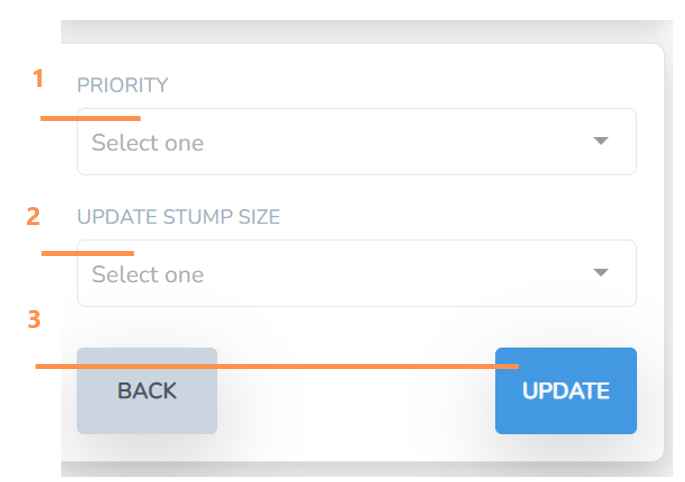
1. Review and/or change the priority for the stump removal from the drop down options.
2. Review and/or change the stump size from the drop down options.
3. Select Update and this will save and close the screen with your changes.