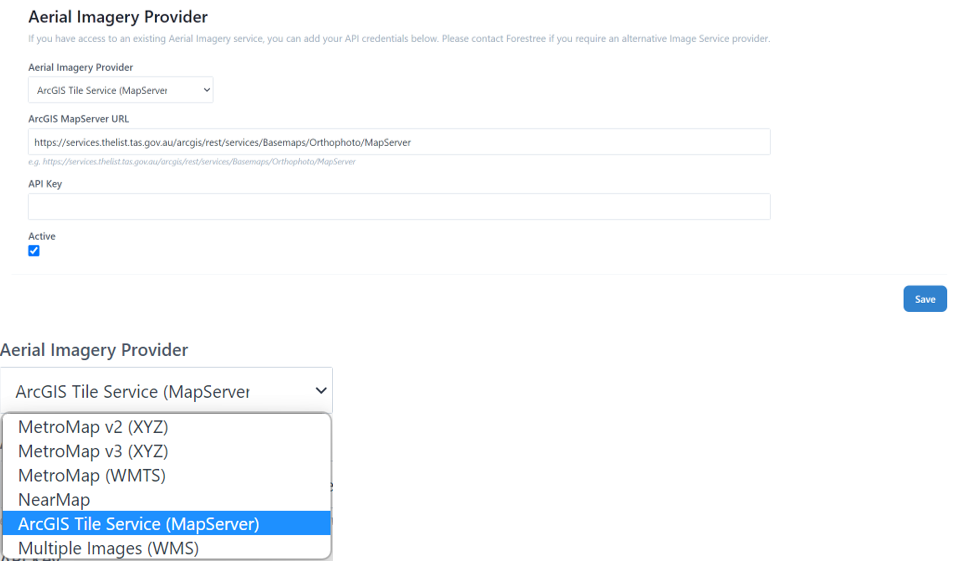
Admin Settings | General
Admin Settings section allows you to customise settings, attributes and underlying data sets such as tree species tailored to your urban forest. It is also where you can add new users, contractors and update permission settings.
The Admin Settings tool is on the left side menu from the Main Dashboard (homepage).
NOTE: Typically only a limited number of users will have access to the Admin Settings. If you want to edit something in this section and do not currently have access, either request the change through someone who does or seek to have your user status to have admin access.
• General is the default tab to appear on the Admin Settings page.
• Here you can review and change your standard settings for Inspection timeframes, watering and aerial image source.
• To return to the home page either select the “Go Back” tab or the forestree logo on the top left.
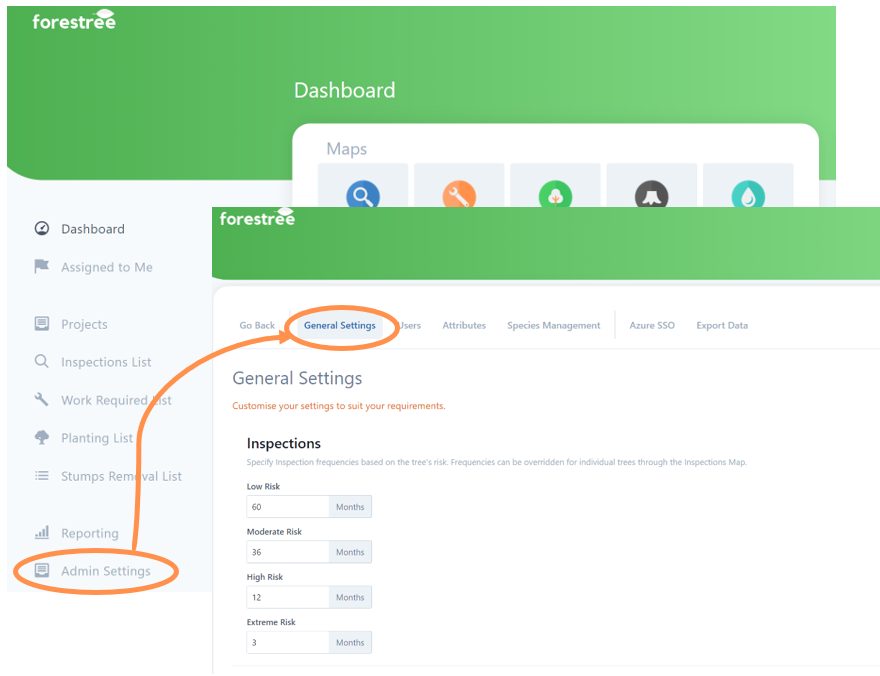
• The Inspections timings are used by Forestree to automate the timeframes when your tree assets will change colour and be marked as due for inspection etc. You can set different timeframes depending on their risk level.
• To make a change simply type into the box field.
• If you make any changes, select Save button at the bottom of the page.
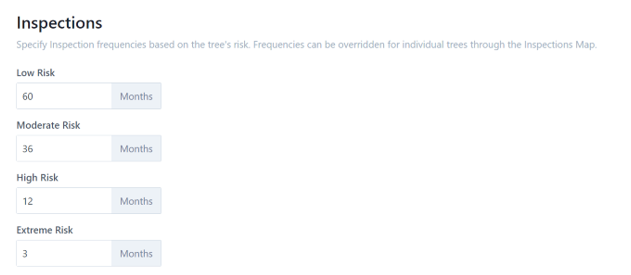
• The Watering Settings timings are used by Forestree to automate the timeframes when your newly planted trees will stay on the watering list and how many days its watering icon colour will stay blue (frequency between waterings).
HINT: You could change this setting seasonally, with higher number of days between waterings in winter compared to summer.
• Remember this is the default settings to be applied to all trees on watering lists. If you have certain tree species and/or locations with different watering needs than the default, it is best to tailor that on the individual tree asset points.
• To make a change simply type into the box field.
• If you make any changes, select Save button at the bottom of the page.
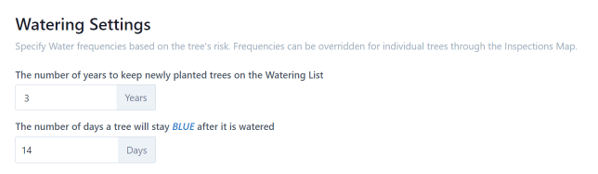
• The Aerial Imagery Provider settings allows you to change API credentials
• Currently you can use this to link your Arc GIS, MetroMap, Near Map or WMS service.