
Bulk Update Planting Locations
You can bulk update Planting Locations on the Planting Map.
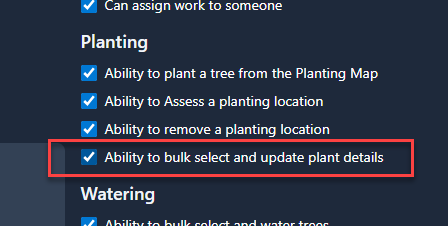
First, the User must have permissions to do so. The Ability to bulk select and update plant details permission needs to be enabled:
Once enabled, go to the Planting Map, and you'll have a new option to Bulk Select planting locations from the blue plus button in the bottom right corner:
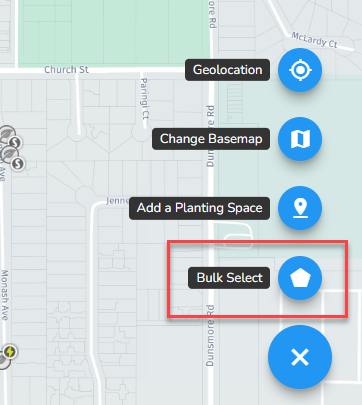
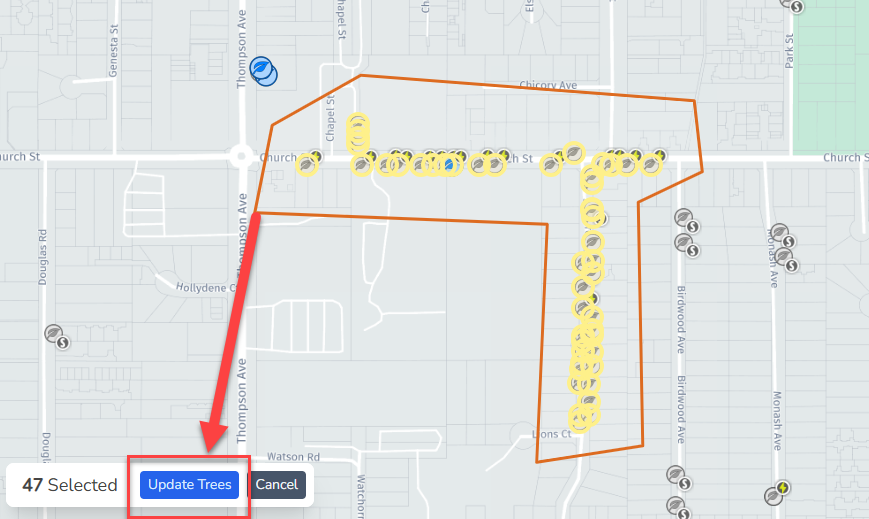
Once clicked, you can then draw a polygon around the Planting Locations that you want to bulk update.
HINT: You can use the Map Filters to filter by different attributes!
When you've finished drawing the polygon, you can click the Update Trees button in the bottom left corner:
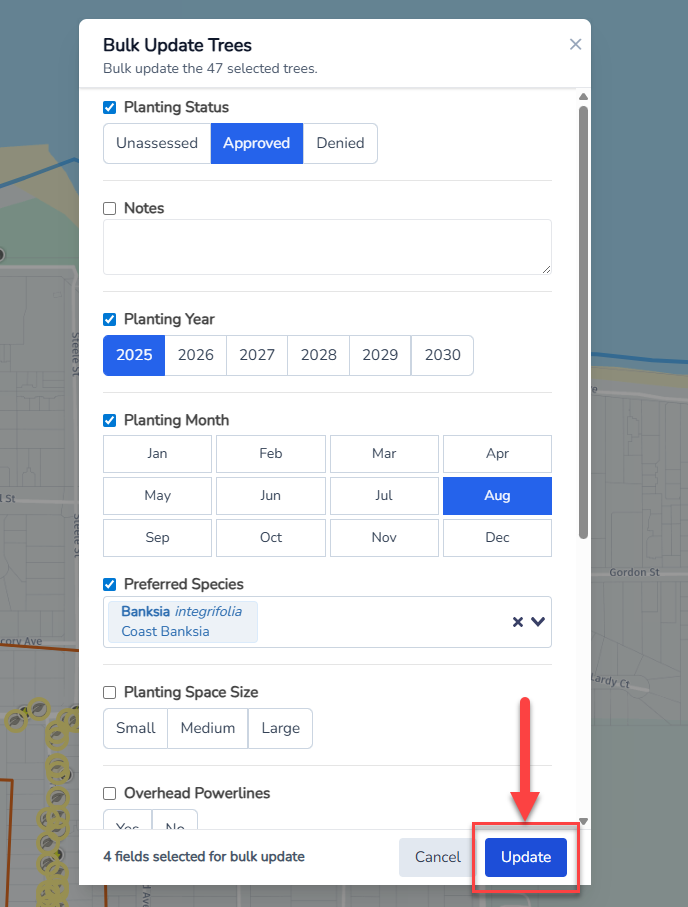
Then you can update any of the Planting Location attributes. Once you're happy with the attribute changes, click the Update button and all the selected Planting Locations will be updated:
Happy Planting!