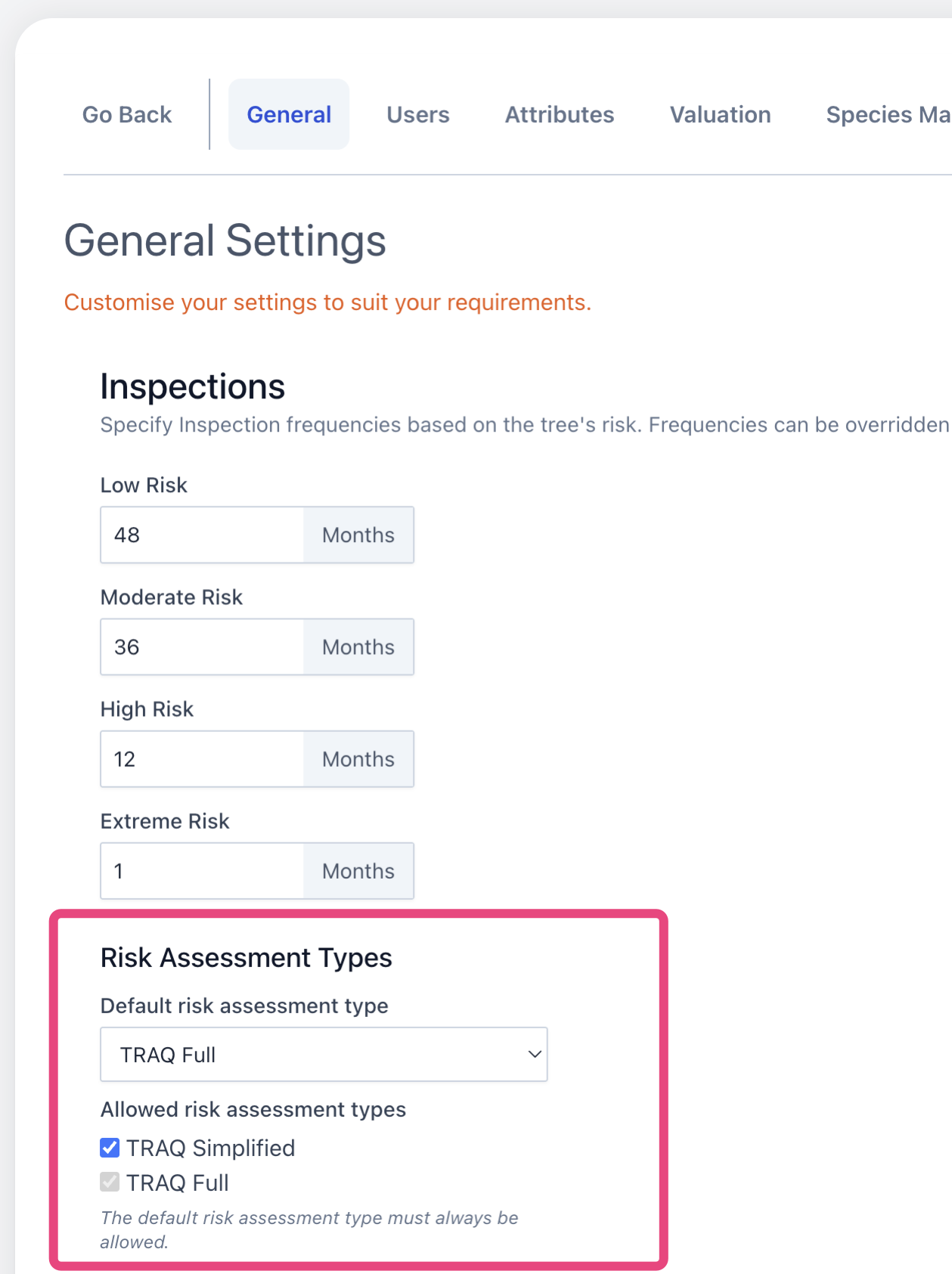
Risk Assessment Types
Forestree supports multiple types of risk assessments. Prior to September 2026, only a simplified version of TRAQ was available. The default settings continue this as the only option. To enable other types of risk assessments, follow the instructions below.
- Navigate the 'admin settings' from the sidebar
- In 'General', go to the 'Risk Assessment Types' heading
- Select the default risk assessment type you would like to be used for ALL users in your system
- Select other allowed risk assessment types if desired.
- Ensure save the changes by scrolling to the bottom of the page and clicking 'save'.
As of September 2026, Forestree supports TRAQ, AANZAA-Risk and a simplified version of TRAQ.