
Monitoring Areas
Monitoring areas are used to track infections in non-tree areas. This could be in wetlands, or it could be in areas that contain many trees, but inspections are done over the whole area, instead of on a single tree.
These should not be confused with quarantine zones, which are used for reporting on how many infections and susceptible trees are in a given area.
Creating a monitoring area
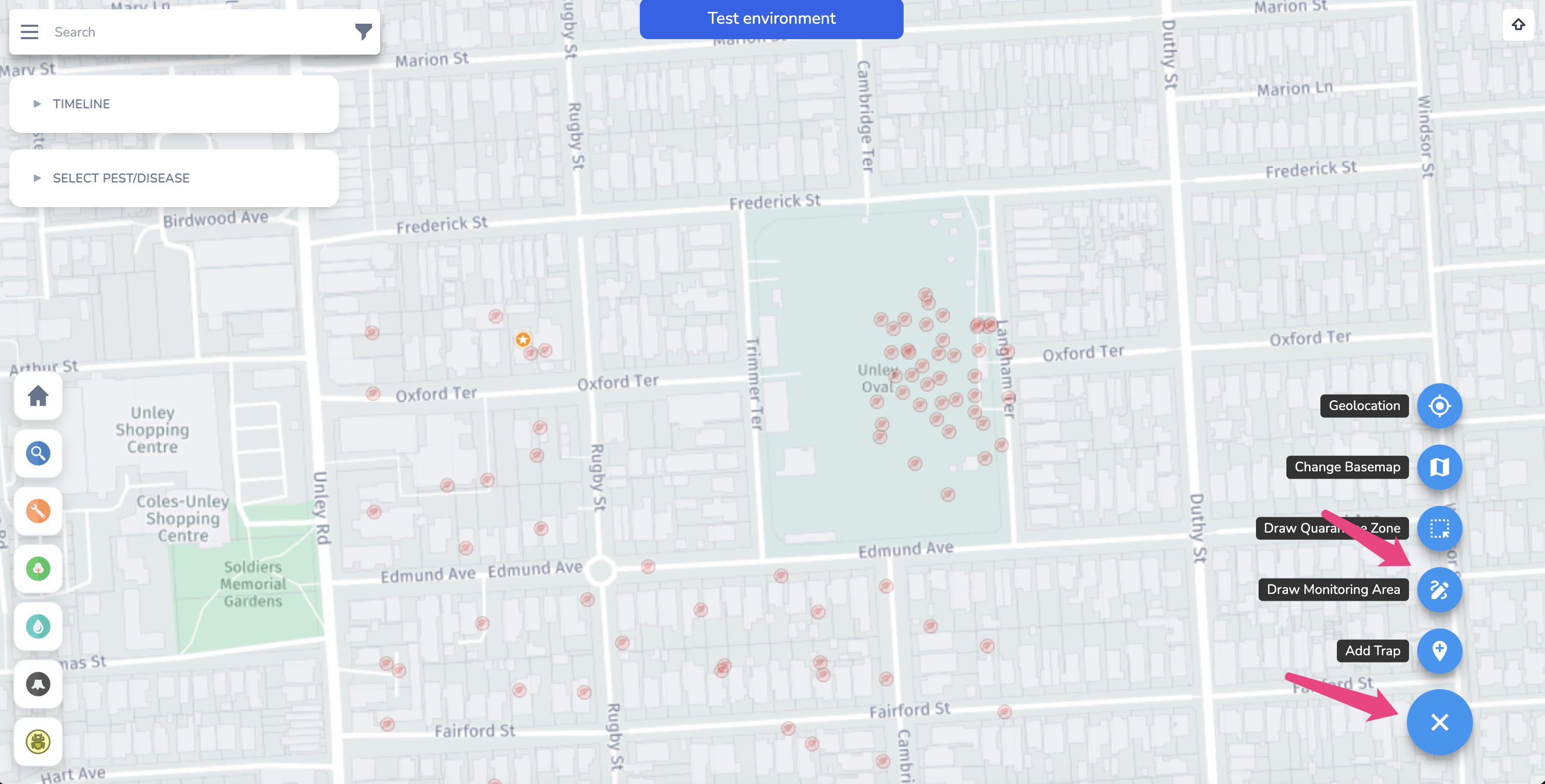
From the PD map, select the action button and then click 'Draw Monitoring Area'.
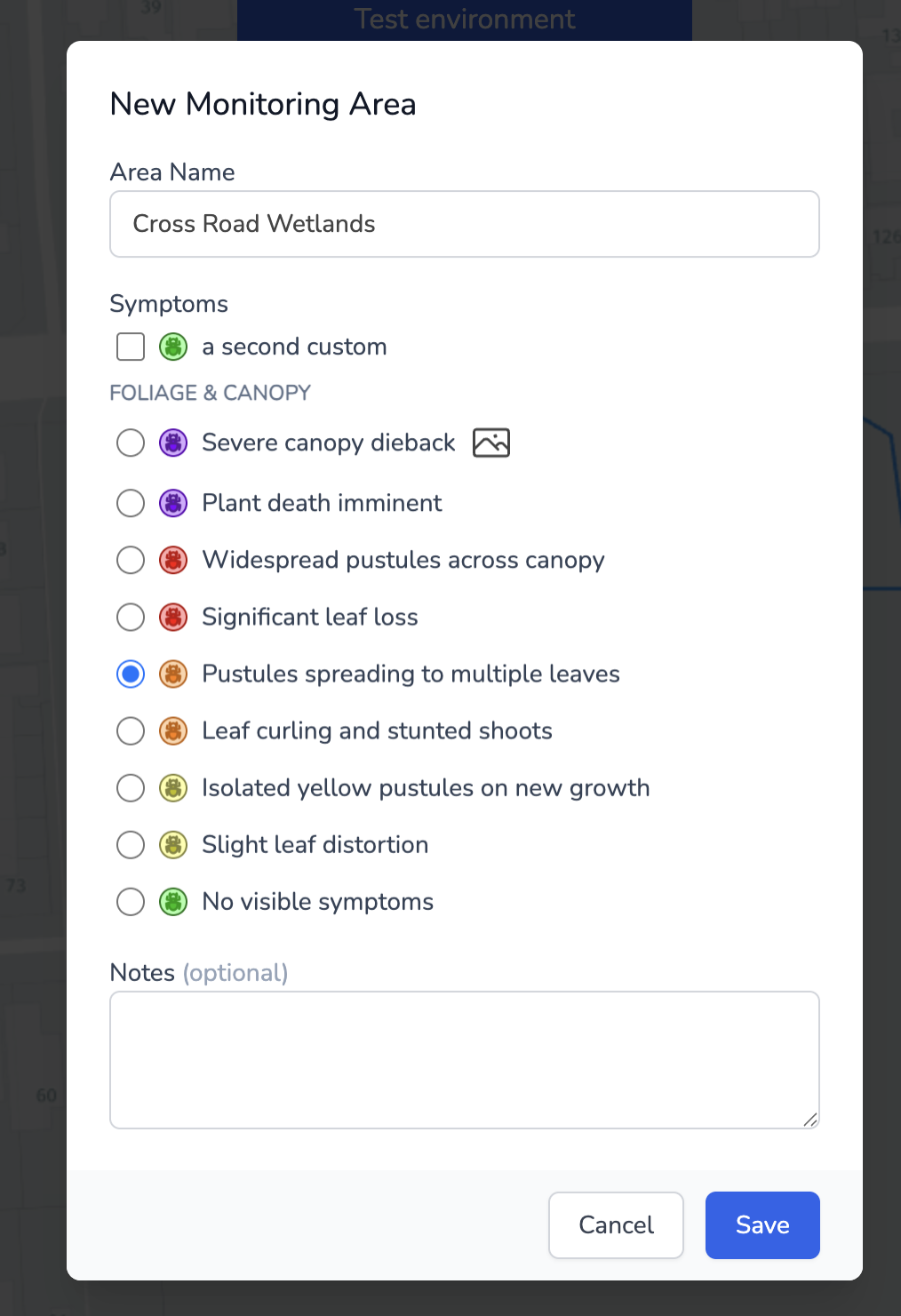
Once you have drawn the area, you will need to name it and select a symptom (these are the same symptoms that are used for the trees and can be configured for system and custom PDs).
You can now inspect this monitoring area as you would inspect a tree.
Inspecting a monitoring area
Click on the area's name, and then click 'add inspection'.
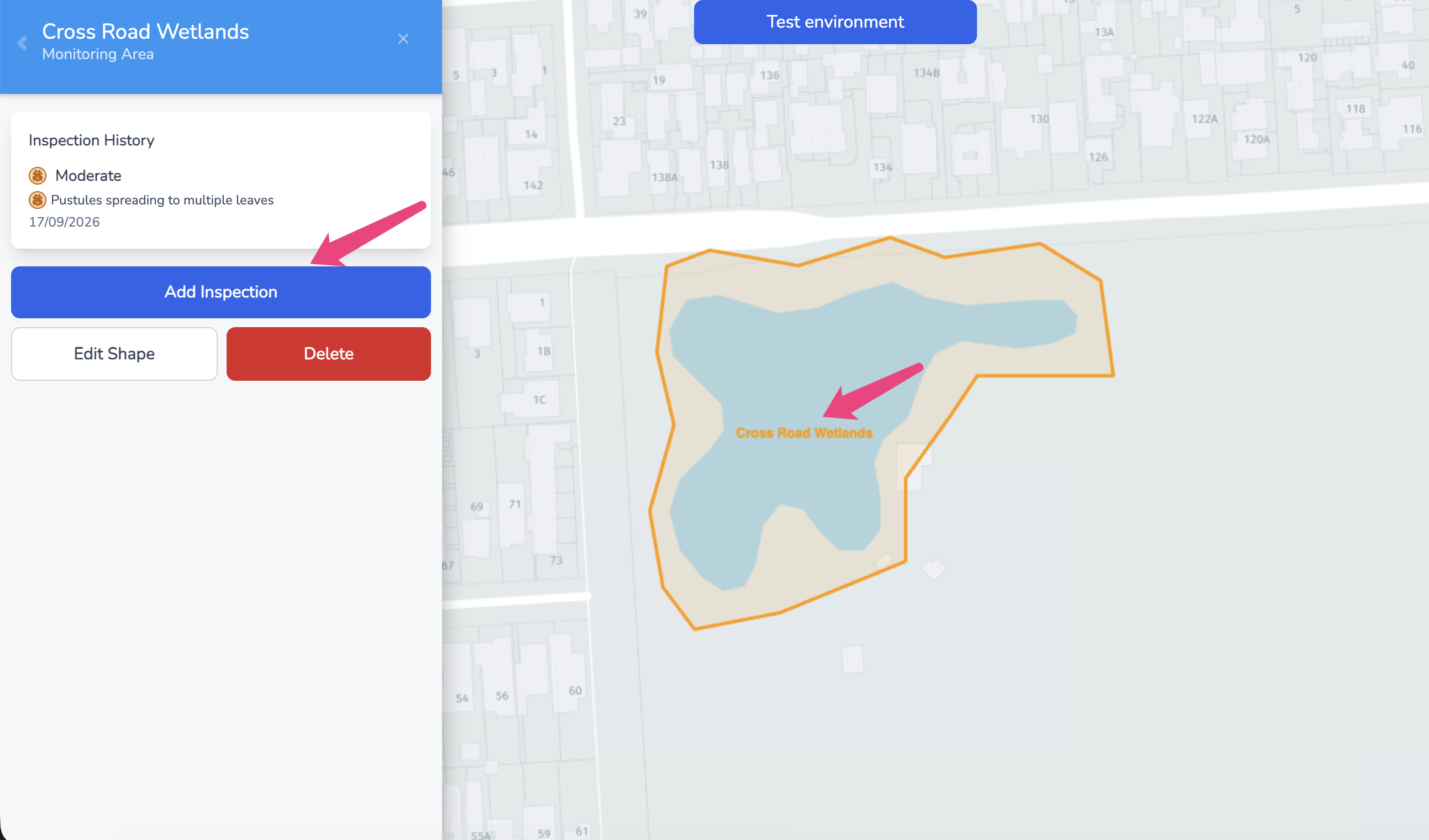
In this inspection you can select a symptom and add notes.